Your photos. Your dashboards. Your device.
Turn any iPad or iPhone into a beautiful digital frame.
Show off your photos, stay on top of your day.
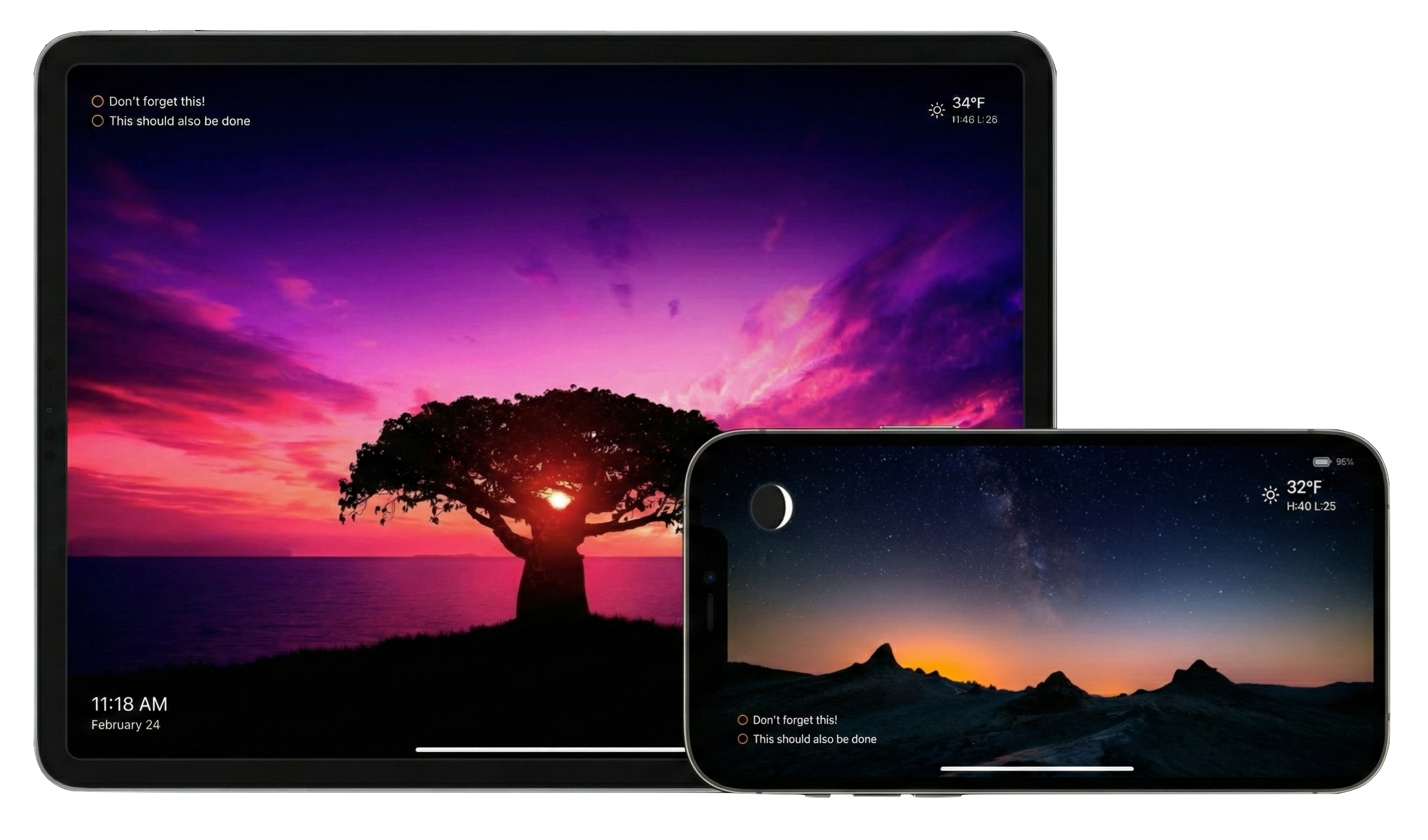
All the smarts. None of the extra hardware.
Teach your old device some new tricks.
Your world, always in frame
Photos, widgets, and custom content beautifully composed on your device.
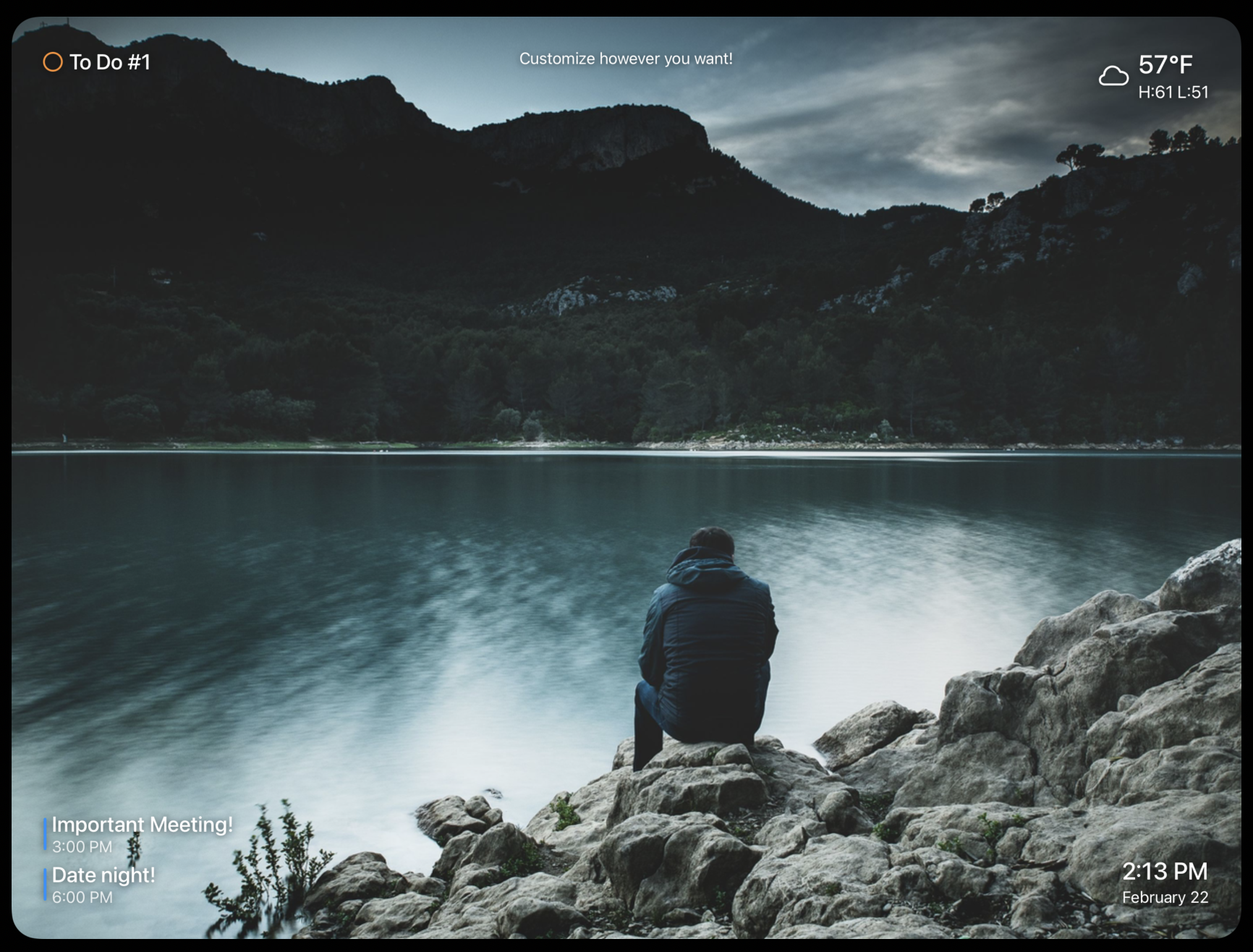
Place widgets exactly where you want them
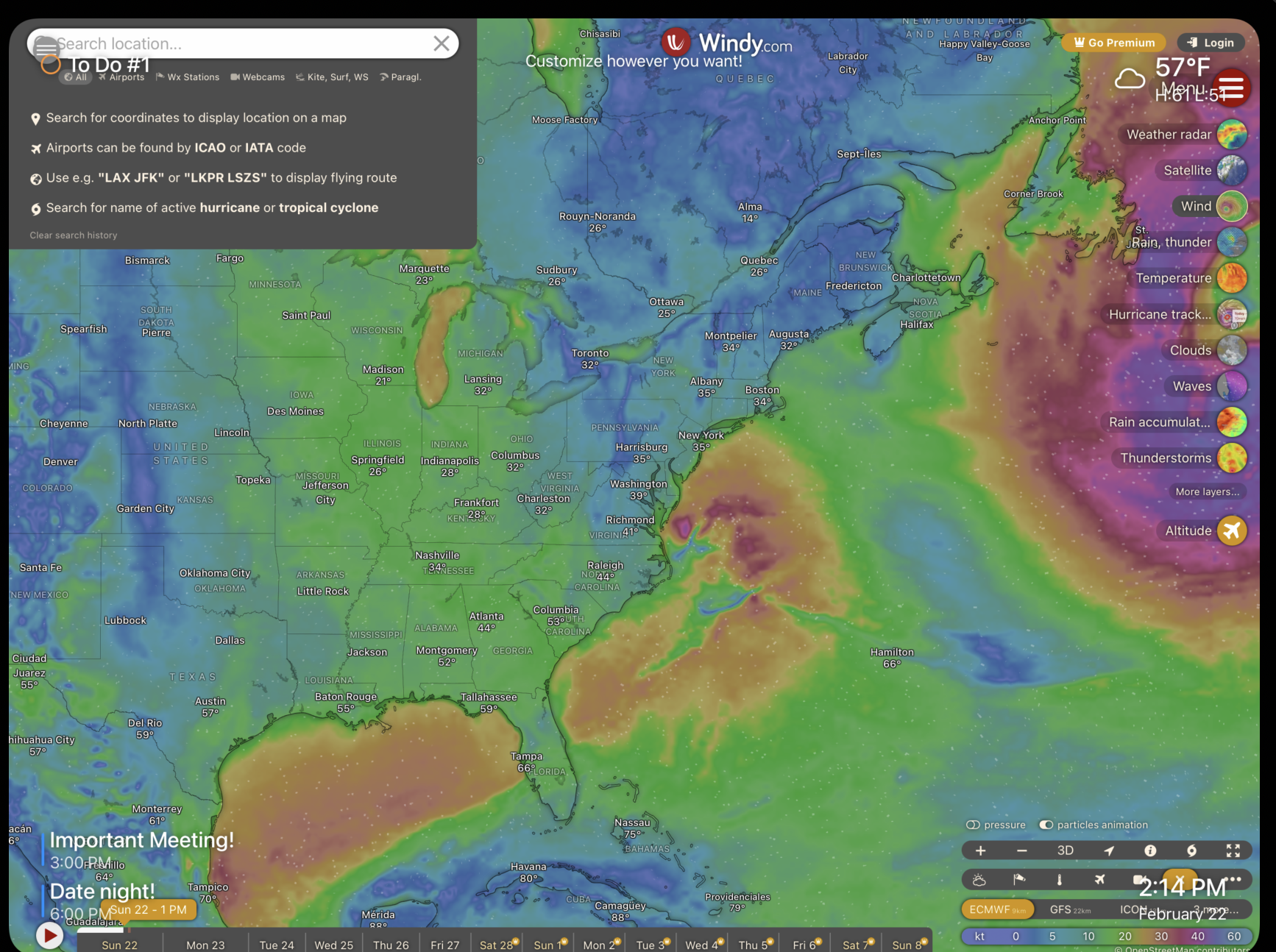
Embed any website or custom HTML as a slide
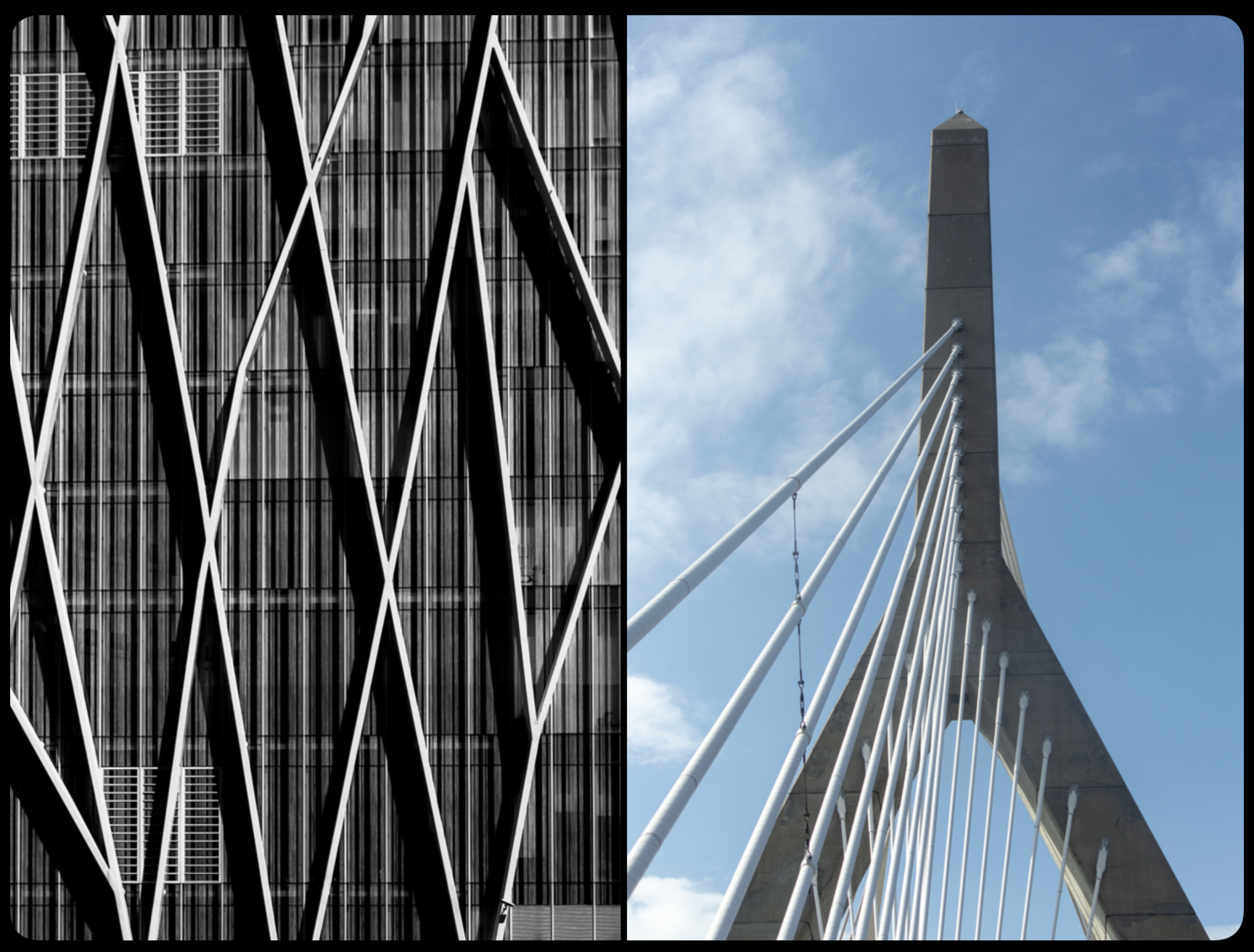
Smart photo pairing with seamless crossfades
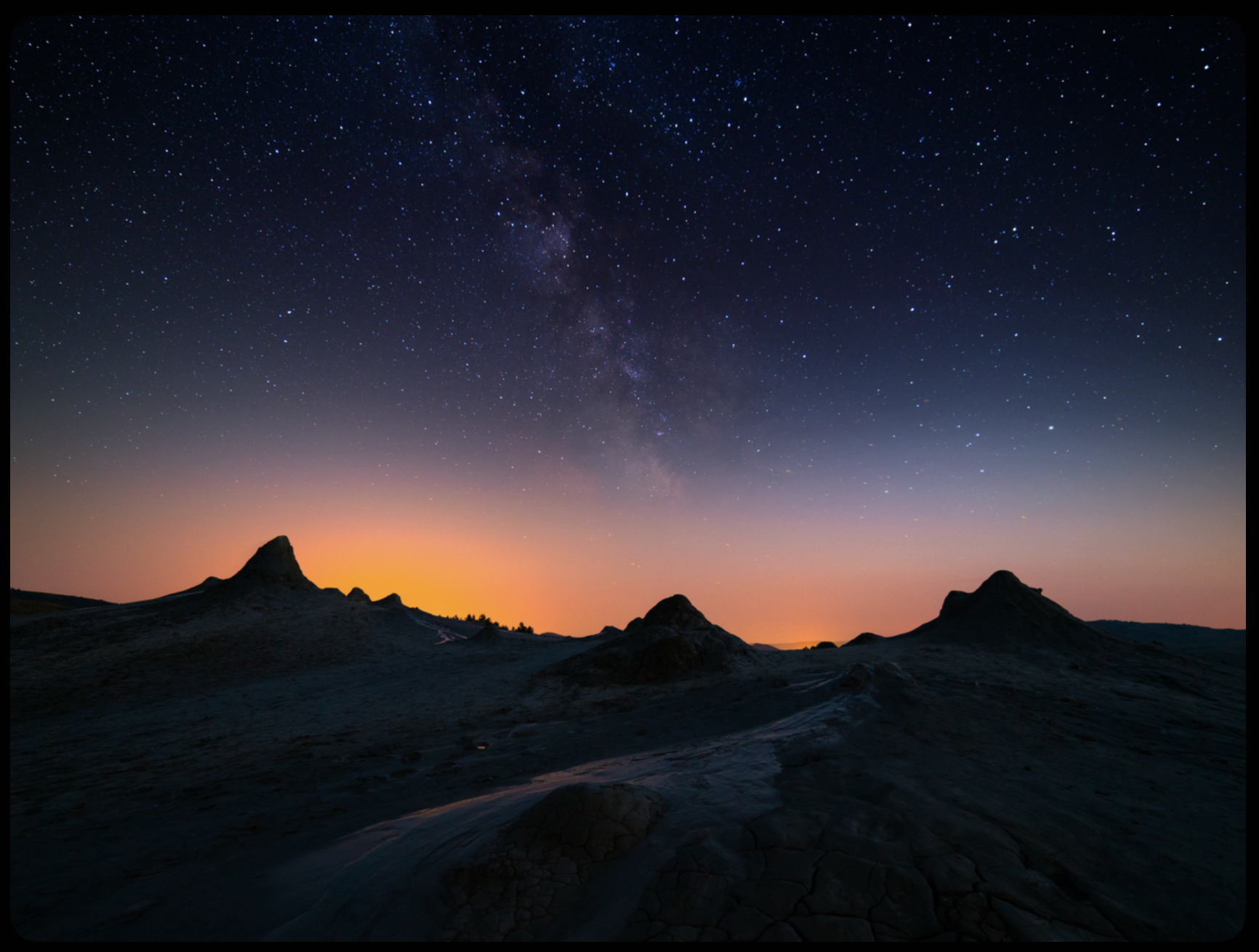
Toggle off widgets for pure photo mode
Everything You Need to conFig your Display
A dedicated display that shows you what matters without demanding your attention.
Smart Slideshow
Beautiful photo and video slideshows with face-aware cropping and smooth transitions. Insert any website or HTML to create custom slides that can be inserted between your photos.
Widgets
Display up to six widgets on top your photos. Choose between time, weather, calendar, and reminder / to do widgets. Create your own custom widgets by embedding any website or writing your own HTML.
Privacy First
Your photos stay on your device. Use your existing Albums, or create a shared iCloud album to let loved ones send photos to your frame without needing to sign up for another cloud storage service.
Smart Cropping
Face-aware cropping that automatically focuses on the people in your photos for the perfect composition.
Cinematic Transitions
Cross-fade, slide, or fade-out transitions paired with the Ken Burns effect for subtle panning and zooming.
Set it and forget it
Capable of 24/7 operation. Just set a sleep schedule and plug it in. No plug?. No problem. Battery optimizations let it run on your desk all day.
Build your own widgets
Want a custom widget but don't know how to code?
Describe your idea to any AI assistant and paste the result straight into Fig.
1. Ask your AI
Works with ChatGPT, Claude, Gemini, or any other AI assistant.
2. Paste into Fig
<!DOCTYPE html>
<html>
<head>
<style>
  * { margin: 0; padding: 0; box-sizing: border-box; }
  body {
    display: flex; flex-direction: column;
    align-items: center; justify-content: center;
    height: 100vh; background: transparent;
    font-family: -apple-system, BlinkMacSystemFont, sans-serif;
    color: white; text-align: center;
  }
  .emoji { font-size: 40px; margin-bottom: 12px; }
  .label { font-size: 5vw; letter-spacing: 0.2em;
           text-transform: uppercase; opacity: 0.5; margin-bottom: 0.5vw; }
  .event { font-size: 9vw; font-weight: 600; margin-bottom: 2vw; }
  .count {
    font-size: 30vw; font-weight: 800; line-height: 1;
    background: linear-gradient(135deg, #60a5fa, #a78bfa);
    -webkit-background-clip: text; -webkit-text-fill-color: transparent;
  }
  .unit { font-size: 5vw; opacity: 0.5; margin-top: 1vw;
          letter-spacing: 0.2em; text-transform: uppercase; }
</style>
</head>
<body>
  <div class="label">countdown to</div>
  <div class="event">Summer Vacation</div>
  <div class="count" id="days">—</div>
  <div class="unit">days to go</div>
  <script>
    const target = new Date('2026-06-21');
    const diff = Math.ceil((target - new Date()) / 86400000);
    document.getElementById('days').textContent = diff > 0 ? diff : '🎉';
  </script>
</body>
</html>
In Fig, go to Custom Widget → HTML and paste.
Widget Examples Gallery
Ready-made widgets you can paste straight into Fig Frame. Use as-is or customize to make them your own.
Custom Slides
Animated Gradient Clock
Custom SlideLarge time display over a shifting gradient background with greeting, date, and seconds progress bar.
Inspirational Quote Card
Custom SlideSelects a random quote from a list you provide with a floating particle canvas background.
Ocean Waves Ambient
Custom SlideCanvas-rendered animated night ocean with stars and layered waves. Pure visual ambiance.
Widgets
Moon Phase
WidgetShows the current lunar phase, computed entirely on-device — no network or API needed. Renders the illuminated disc with a soft atmospheric glow.
Pomodoro Focus Timer
WidgetVisual 25-minute countdown ring with work/break phases. Starts automatically and pulses gently when break time begins. Great for desk use.
Live Headline Ticker
WidgetScrolling news ticker that fetches real headlines from an RSS feed via a public API. Customise the feed URL.
Event Countdown Badge
WidgetEditable countdown-to-date pill with gradient number. Change the target date and label to suit any event.
Battery Status Badge
WidgetShows live device battery level and charging state using the Browser Battery API. Colour shifts from red to green.
Photo Frame Label
WidgetElegant family name or custom message widget with a subtle frosted pill. Edit the text to personalise.
World Clock Strip
WidgetMultiple time zones displayed side-by-side in a compact pill row. Useful for remote teams or family abroad. Pure JS, no API needed.
Dad Joke
WidgetFetches a random joke from the free icanhazdadjoke.com API on each reload. Light-hearted content that changes every slide cycle.
See It in Action
Select the feature below to see a demo of it in action.
Full Walkthrough
Watch a complete tour of Fig Frame — from setup to key features.
User Feedback
"It's like Aura Frame and TRMNL had a baby on my iPad."
"Fig Frame transformed our old iPad into the best digital picture frame we've ever had. So clean and simple. Love it!"
— Early Beta Tester
Choose Your Version
Select the version that works best for your device.
Fig Frame
iOS 17+ · Full Feature Set
Fig Frame Lite
iOS 15.6+ · (for older devices)